PhotoScape X vs AfterShot Pro
Comprehensive side-by-side comparison of PhotoScape X vs AfterShot Pro including features, integrations, customer segments, supported platforms, pros & cons, and company details. Find the best photo editing software solution for your business needs.
Product Comparison

PhotoScape X
Powerful On-Premise Photo Editing for Business
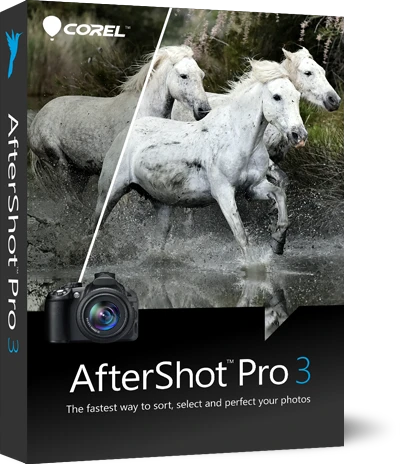
AfterShot Pro
Powerful RAW Photo Editing, Watermarking & Batch Processing.
Description
PhotoScape X is a robust on-premise photo editing solution designed for businesses and creative professionals. It offers a comprehensive suite of tools for image customization, editing, and management. Key features include batch processing, ad...
Description
AfterShot Pro is a professional-grade, on-premise RAW photo editing software designed for photographers and businesses needing efficient image management and branding. It offers non-destructive editing capabilities, allowing for extensive phot...
Use Cases
Use Cases
Made For
Made For
Key Features
- Real Time Editing
- Content Sharing
- Image Library
- Drag & Drop
- Image Editing
- Content Import/Export
Key Features
- Watermarking
- Batch Processing
- Content Sharing
- Pre-built Templates
- Search/Filter
- Content Import/Export
Industries
- E-commerce
- Retail
- Marketing & Advertising
- Photography
- Manufacturing
Industries
- Photography
- E-commerce
- Marketing & Advertising
- Retail
- Publishing
Customer Segments
- Freelancers
- Small Businesses
- Mid-size Businesses
- Large Enterprises
Customer Segments
- Freelancers
- Small Businesses
- Mid-size Businesses
Pros
- Comprehensive feature set for diverse photo editing needs
- On-premise deployment offers enhanced data security and control
- Batch processing capabilities significantly improve efficiency
Cons
- On-premise deployment requires dedicated IT resources for maintenance
- May lack some of the advanced AI-powered features found in cloud-based editors
Pros
- Non-destructive editing preserves original image data.
- Powerful batch processing capabilities save significant time.
- Customizable workspace allows for personalized workflows.
Cons
- On-premise software requires local installation and maintenance.
- May have a steeper learning curve compared to simpler photo editors.